
Plan every floor in 2D and 3D.
Floor planning that mirrors how service actually flows.
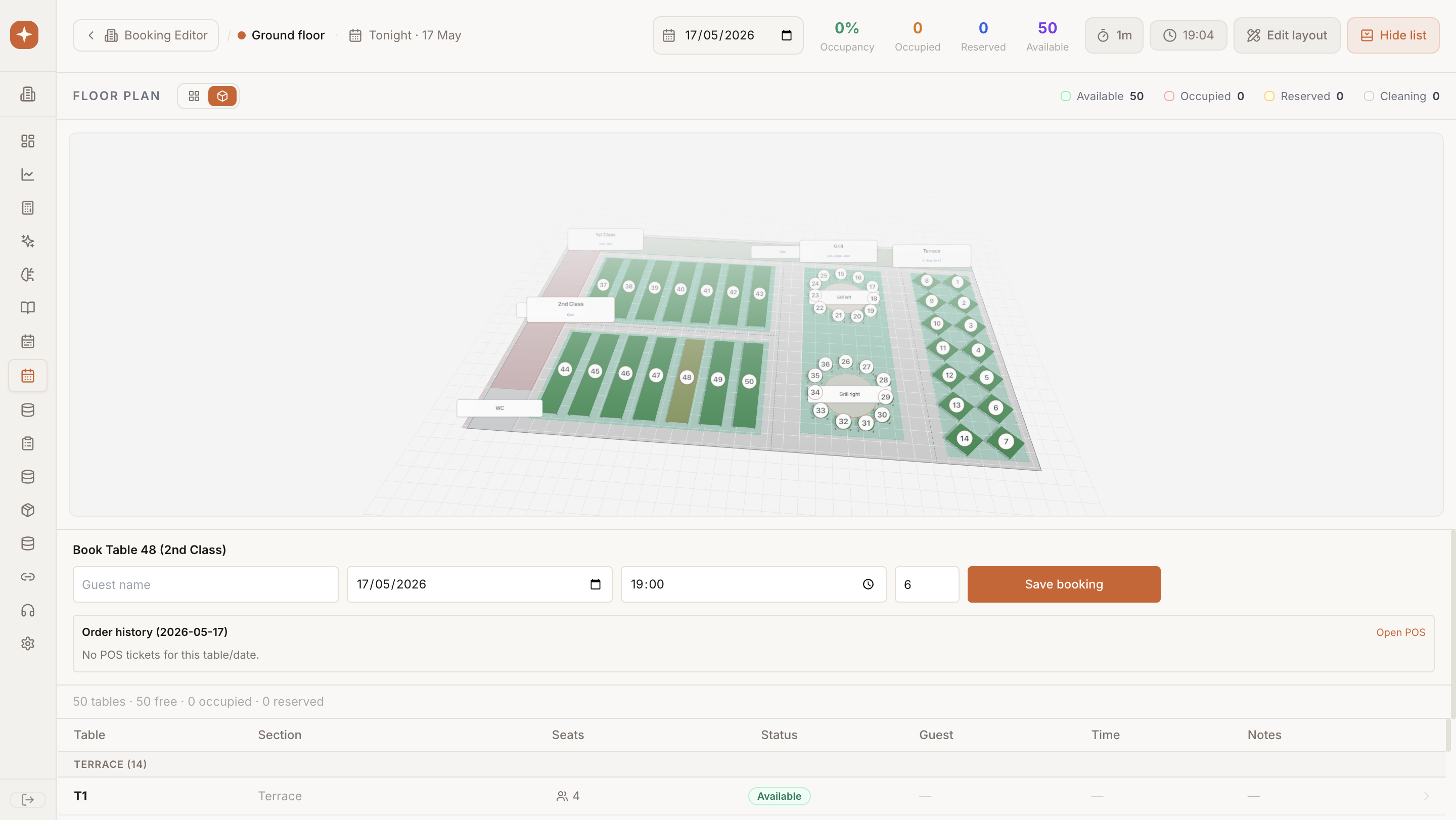
A live 2D floor plan that mirrors how service actually flows. Drag bookings between tables, combine and split parties, and see availability update in real time as reservations land.
Why teams choose Booking Editor
Optimize layouts, reduce overlaps, and manage service flow with intuitive 2D/3D planning across multi-floor venues. Designed with operators, for operators.
Core capabilities
Everything you need from Booking Editor, ready on day one.
2D & 3D
Switch between top-down planning and lifelike walkthroughs.
Multi-floor
Manage rooftops, terraces, and private rooms in one view.
Live
Availability updates as reservations land.
Step by step
How Booking Editor moves from setup to live in your venues.
Draw
Sketch your floor plan with tables, zones, and service flow.
Configure
Set capacities, turn times, and combine rules.
Operate
Manage live service with drag-and-drop reassignment.